Yes, free AI video generation is absolutely worth it, for the right things. If you want to test an idea, make a short social clip, try turning a still image into motion, play with prompts, or rough out an early draft, a free AI video generator will get you surprisingly far without costing a cent. Where free plans get frustrating is the fine print: watermarks, limited credits, short clip lengths, slower generation, lower export quality, and restrictions on commercial use.
So the honest take is this: free is brilliant for experimenting and learning, but the moment you need polished, longer, watermark-free, reusable videos, you’ll start bumping into walls. Below, we’ll cover the best free AI video generators to try right now, what you can realistically make with them, and how to know when it’s time to graduate to a proper workflow.
Let’s get into it.
Is free AI video generation worth it?
Short version: it’s worth it when you’re testing, not when you’re shipping.
A free AI video generator is one of the best low-risk ways to find out whether AI video even fits your content. You can type a prompt, watch a model spin up a few seconds of footage, and decide in about ten minutes whether the look matches what’s in your head. That’s genuinely useful. A year or two ago, “free” meant shaky five-second clips with melting faces. In 2026, free tiers can produce clean, watchable, occasionally jaw-dropping results, as long as you treat them as a starting point rather than a finished product.
Here’s when free AI video generation is genuinely worth your time:
- You’re experimenting. Trying prompts, exploring styles, seeing what a model does with a weird idea.
- You need short clips. B-roll, background loops, and a quick animated moment for a longer video.
- You’re doing image-to-video. Bringing a single photo or product shot to life with subtle motion.
- You’re making social-first content. A TikTok, a Reel, a Short where speed beats polish.
- You’re drafting. Roughing out a concept to show a client or teammate before you invest real budget.
And here’s when free stops being enough: you need consistent quality across multiple clips, longer durations, no watermark, the right to use the video commercially, faster turnaround, or, this is the big one, actual editing tools to finish the thing. Most free AI video tools generate a clip and then leave you stranded. You still have to trim it, caption it, resize it for different platforms, and stitch it together with everything else. That gap between “I generated a clip” and “I published a video” is where a lot of people quietly give up.
So: worth it for the spark, not always for the whole fire. Keep that framing, and you’ll get a lot out of the free tiers without getting annoyed by them.
Best free AI video generators to try
There’s no single best free AI video generator; there’s a best one for what you’re making. A tool that’s perfect for cinematic image-to-video might be useless for talking-head social clips, and vice versa. So instead of crowning one winner, here’s an honest roundup of the free and freemium options worth trying, with a comparison table first for the skimmers.
One caveat before the table: free tiers in this space change constantly. Credit amounts, watermark policies, and resolution caps get tweaked every few weeks. Treat the details below as a starting point and double-check the current terms before you build anything serious on top of them.
Now, let’s take a closer look:
Google Veo (via Gemini and Google AI Studio)
If you want the best-looking output you can get without paying, this is where to start. Veo produces strikingly realistic clips and is one of the few models that generate synchronized audio, ambient sound, effects, and even dialogue right alongside the visuals. The free access is rate-limited rather than credit-based, so you get a handful of generations and then wait, which is fine for testing and frustrating for volume. Commercial terms on the free path are still evolving, so read the current fine print before you use anything in a paid project.
Kling
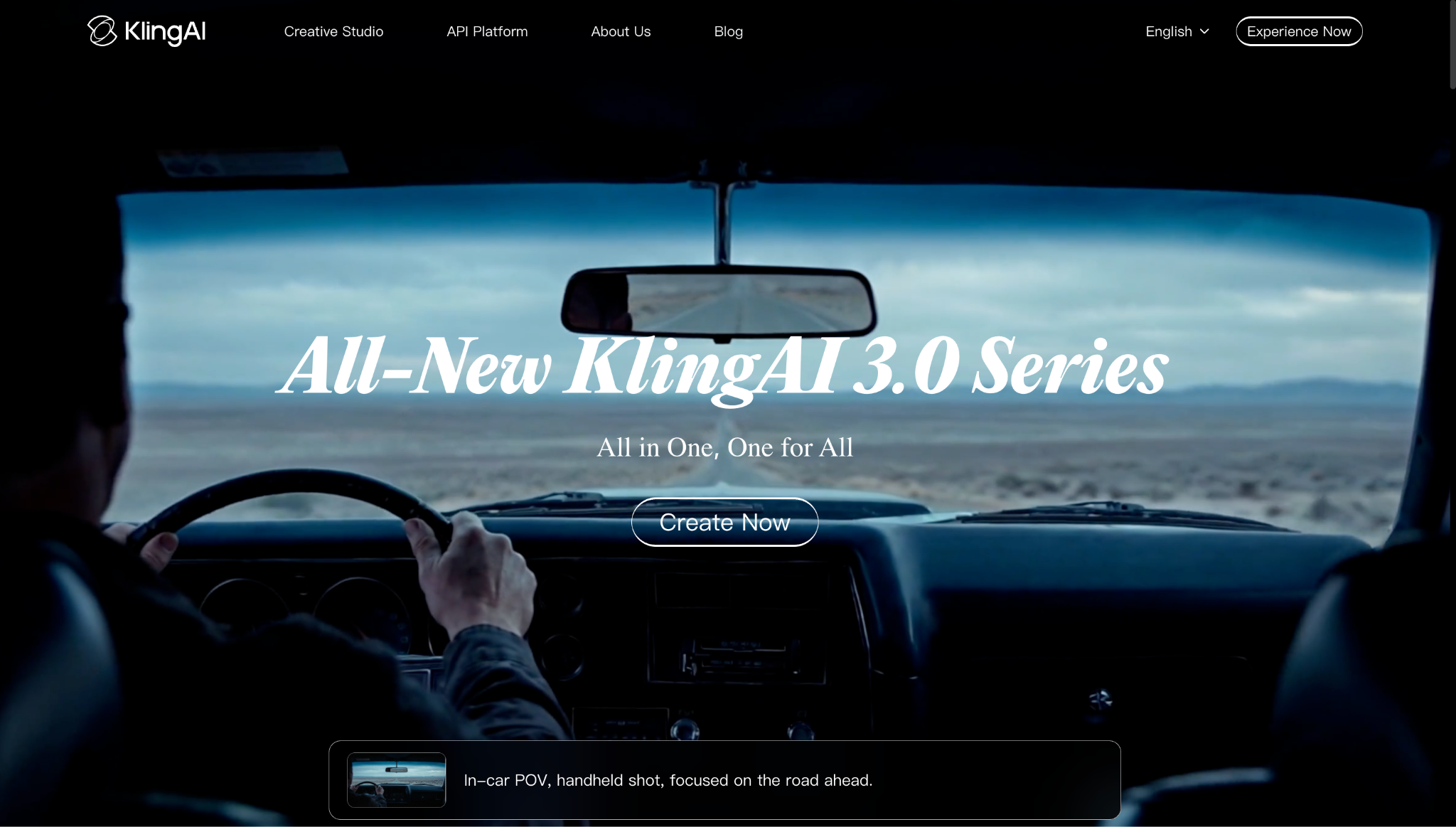
Kling has quietly become one of the most generous free AI video generators around, handing out refreshing daily credits so you can keep experimenting day after day without paying. Quality is genuinely strong, cinematic motion, solid prompt adherence, clips up to around ten seconds at 1080p. It’s a great pick if you want to actually practice with AI video rather than burn through a one-time allowance in an afternoon.
Hailuo / MiniMax
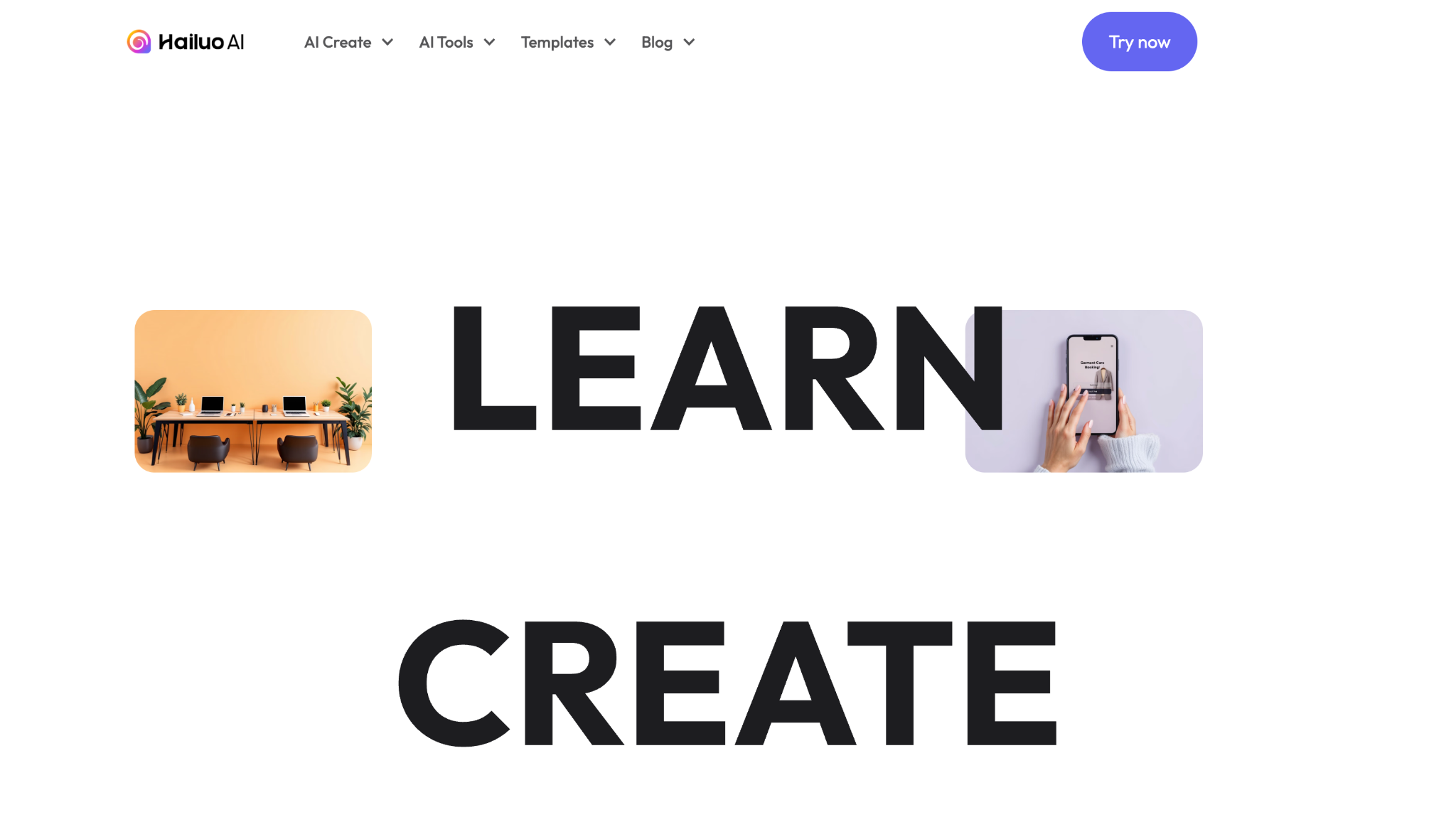
One of the most beginner-friendly options on this list. Hailuo’s interface is approachable, the free tier gives you daily generations, and the model is especially good at expressive, creative motion; it’ll do interesting things with unusual prompts. Free output is watermarked, and commercial use is restricted, but as a sandbox for learning what AI video can do, it’s hard to beat.
Pika
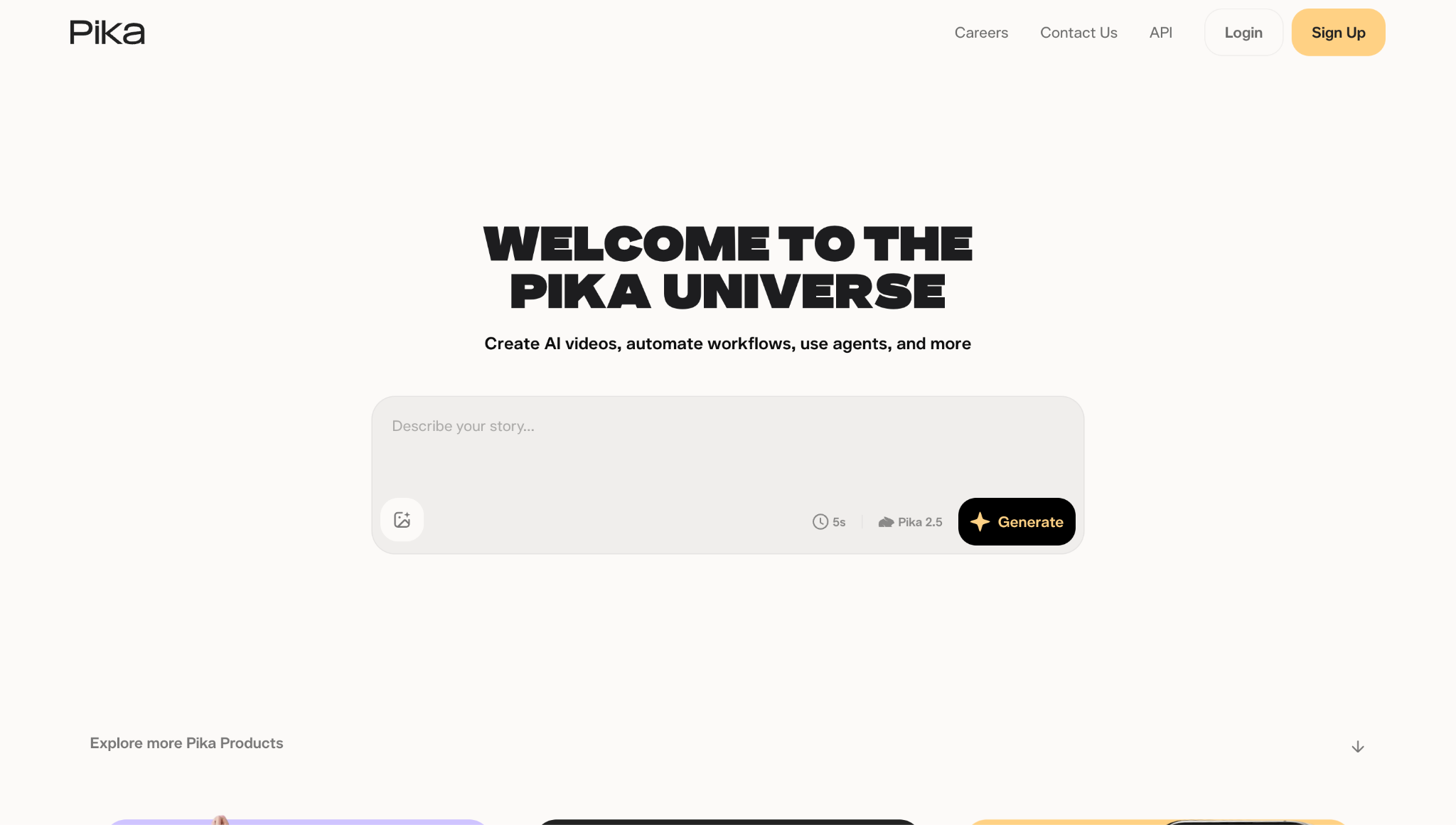
Pika leans into stylized, fun, short-form content and motion effects. Its free plan offers monthly credits that actually refresh, which makes it one of the more usable free tiers for ongoing social content rather than a quick demo. If you’re making playful clips for TikTok or Reels, it’s worth a look.
Luma Dream Machine
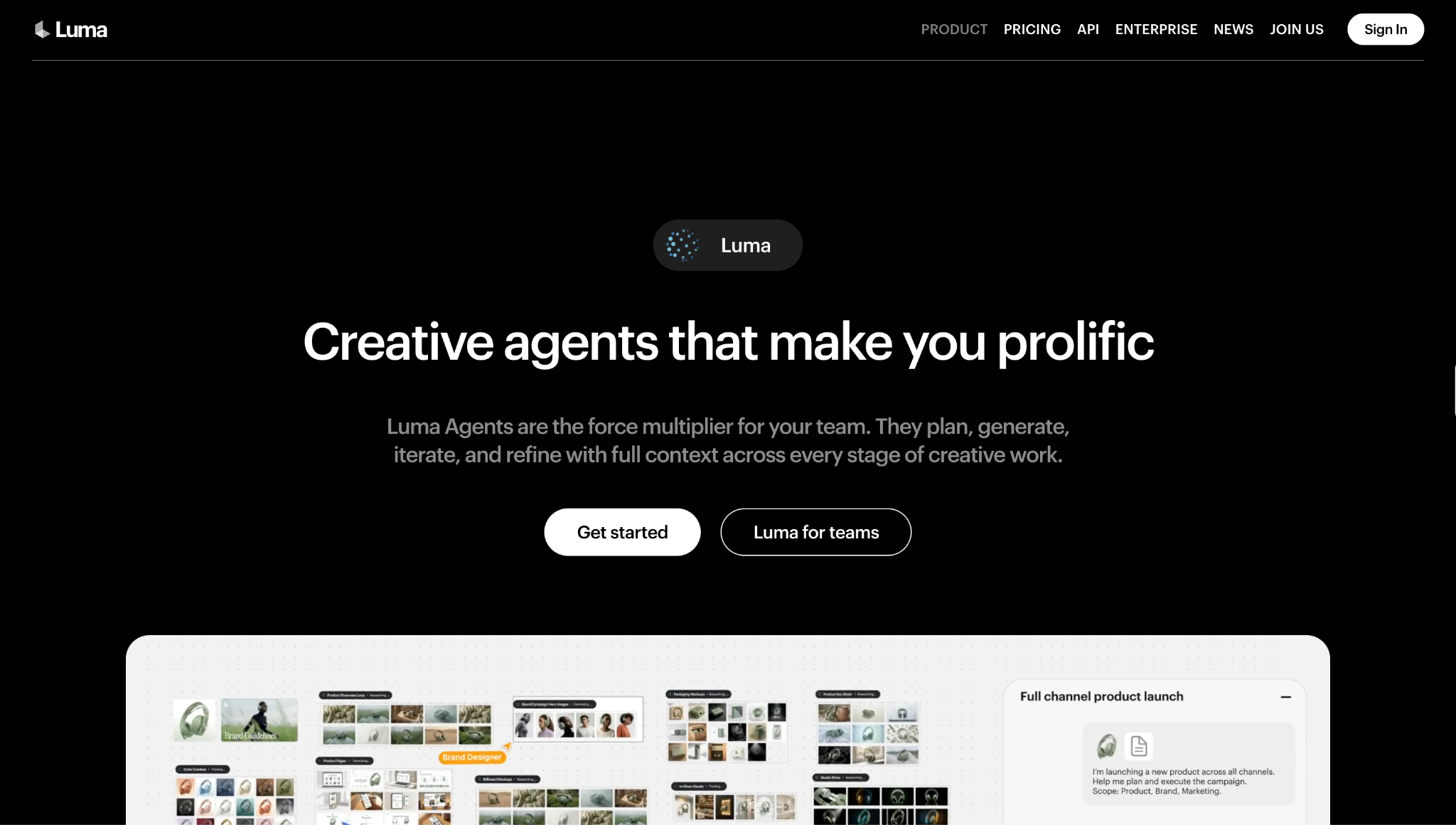
Luma is the one to reach for when you want cinematic, dreamy image-to-video, slow zooms, atmospheric lighting, and that “moving photograph” feeling. The free tier gives you a modest number of generations per month at 720p with a watermark. It’s less about pumping out volume and more about getting a few beautiful, mood-driven clips.
Runway
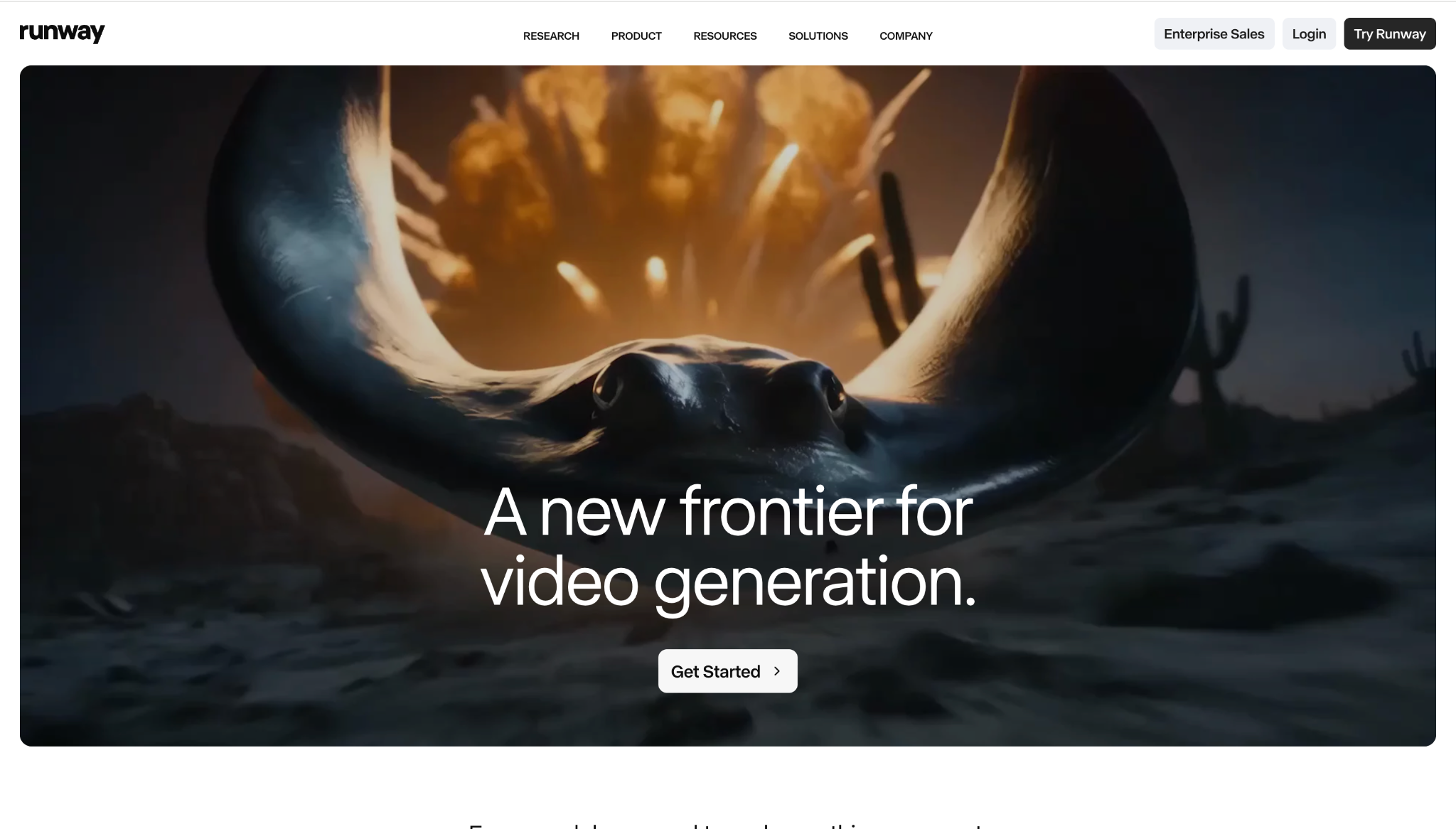
Runway is one of the most powerful AI video platforms in existence, with serious director-level controls and a proper editing environment. The catch on the free plan is that you get a one-time batch of credits that don’t refresh, enough for two or three test clips before they’re gone. That makes it more of a free trial than a free plan, and free exports are watermarked with no commercial rights. Brilliant tool, stingy free tier.
Seedance
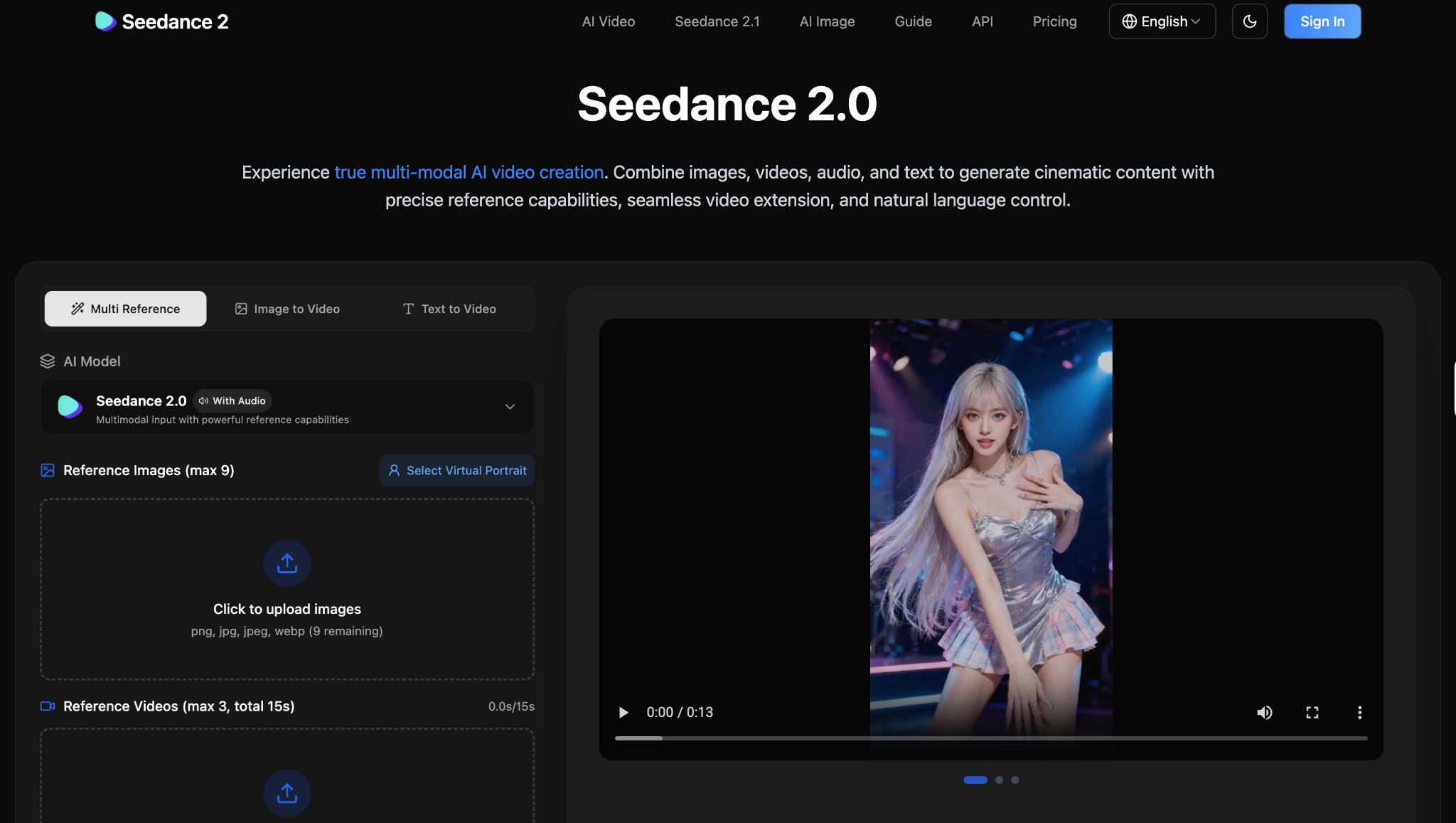
A fast, capable model that’s strong on character consistency, with daily free credits to play with. Free output carries a small watermark but is otherwise full quality. A good choice when you want quick, repeatable results and don’t mind a little branding on your test clips.
CapCut (Desktop)
Here’s the one most “best free AI video generator” lists forget to mention, even though it’s arguably the most useful free tool in the whole workflow. CapCut isn’t primarily a generator; it’s an editor, but the desktop app lets you edit and export with no watermark, at 1080p, with commercial use permitted on the free plan. Auto-captions, background removal, effects, templates: all there. The play is to generate raw clips in Veo or Kling, then bring them into CapCut to actually finish them. (Its built-in AI generation features have their own separate credit limits, so don’t expect unlimited generation, but for finishing, it’s gold.)
Canva
If you live in social and marketing graphics, Canva’s free AI video maker is a comfortable place to start. Generation is lighter than the dedicated models, but basic exports are clean, the templates are endless, and you can go from idea to shareable clip without ever leaving one tab.
Wan (open-source)
The wildcard. Wan is an open-source model you can run for free, including through hosted Hugging Face Spaces, with genuinely no credits, no watermark, and no usage cap. The trade-off is quality: output tends to look a generation behind the polished commercial models, and you’re often capped at 720p on shared infrastructure. But if “unlimited and free” matters more than “flawless,” it’s the only option here that truly delivers it.
That’s a solid shortlist of the best free AI video generators to try. The smartest move? Pick two or three, run the same prompt through each, and see which gives you usable output with the fewest retries. The winner is rarely the one with the flashiest demo reel; it’s the one that gets your idea right on the first or second try.
What can you make with a free AI video generator?
More than you’d think, as long as you play to free’s strengths, which are short, punchy, and visual.
Here’s what a free AI video maker is great for:
- Social clips: Short, scroll-stopping moments for TikTok, Reels, and YouTube Shorts. Free tiers are practically built for this length.
- B-roll and background footage: Atmospheric shots to layer under a voiceover, a talking head, or text. AI-generated b-roll can save you a stock footage subscription.
- Faceless videos: If you don’t want to be on camera, AI visuals plus a voiceover get you a full faceless channel without ever picking up a camera.
- Product concepts and mood boards: Spin up rough visuals to show what a campaign could look like before you commit budget to a real shoot.
- Ad concepts: Test three different creative directions in an afternoon, then put real money behind the one that lands.
- Early drafts: Sketch out a video idea quickly so a client or teammate can react to something concrete instead of a verbal pitch.
- Image-to-video moments: Take a single photo, a product shot, a piece of artwork, a headshot, and add subtle, eye-catching motion.
What free isn’t built for: long-form videos, tightly consistent multi-clip sequences, broadcast-quality client deliverables, or anything you need to legally use in a paid campaign without checking the license first. Match the tool to the job, and free AI video generation earns its keep. Ask it to carry a five-minute branded explainer, and you’ll feel the limits fast.
Common limits of free AI video generators
Free is generous in 2026, but it’s never unlimited (with the rare open-source exception). Nearly every AI video generator free plan comes with trade-offs, and knowing them up front saves you the frustration of hitting a wall mid-project. Here’s what almost every free plan throws at you:
- Credits and quotas: Most tools meter free use with credits or daily/monthly caps. Watch for the difference between credits that refresh (great) and one-time credits that run out and never come back (basically a trial).
- Watermarks: The single most common free-plan limitation. Many free AI video generators stamp a logo on every export, which is fine for testing and a dealbreaker for anything public-facing.
- Short clip length: Free generations are usually capped at a few seconds. Perfect for a Short, not enough for a full scene.
- Queue and speed limits: Free users often sit in slower queues, especially at peak times. You’ll wait while paid users skip ahead.
- Lower resolution. 720p is common on free tiers; 1080p and 4K are usually reserved for paying customers.
- Limited model access: The newest, best model is frequently paywalled, leaving free users on an older or “lite” version.
- Minimal editing tools: This is the sneaky one. A lot of free generators give you a clip and nothing else, no trimming, captioning, resizing, or repurposing. You generate, then you’re on your own.
- Commercial-use restrictions: Several free plans explicitly forbid using the output commercially. If you’re making money from the video, this matters a lot. Check before you publish.
None of these is a deal-breaker on its own. Stacked together, though, they’re the reason free works beautifully for experimenting and starts to chafe the moment you’re trying to ship real work.
Free text-to-video AI vs free image-to-video AI
These two get lumped together, but they solve different problems, and knowing which you actually need will save you a ton of trial and error.
Free text-to-video AI starts from a written prompt. You describe a scene (“a golden retriever running through autumn leaves, cinematic, slow motion”), and the model invents the entire thing from scratch. It’s pure imagination-to-screen. This is the right tool when you have an idea but no footage, concepts, fantastical scenes, b-roll that doesn’t exist anywhere, anything you can describe but can’t film.
Image-to-video AI (free) starts from a still you already have. You upload a photo, a product, a piece of art, a landscape, a portrait, and the model animates it, adding motion, camera movement, and life. This is the right tool when you have a specific visual that needs to move. It’s the go-to for product shots, bringing artwork to life, or turning a single great photo into a few seconds of dynamic content.
The quick rule of thumb: if you’re starting from words, you want text-to-video. If you’re starting from an image, you want image-to-video. Many of the best free AI video generators above do both. Kling, Luma, Pika, and Runway all support image-to-video, so you don’t necessarily need separate tools. But the type of input you have should drive which mode you reach for. And honestly, image-to-video often produces more controllable, predictable results, because you’re handing the model a fixed starting point instead of asking it to imagine everything.
What to look for in a free AI video generator
When you’re comparing free AI video tools, look past the demo reel and check these eight things. They’re what actually determine whether a free tool is usable or just teasing you toward a paywall.
- Output quality: Does the motion look natural? Does it follow your prompt? How often does a generation come out usable versus broken?
- Ease of use: Can you get a result in your first few minutes, or is there a learning curve? For beginners, this matters more than raw power.
- Model access: Are you getting the current flagship model for free, or an older/lite version? Big quality gap.
- Editing tools: Can you do anything with the clip after it generates, trim, caption, adjust, or do you have to export it and finish elsewhere?
- Export options: What resolution and formats can free users actually download? 720p versus 1080p makes a visible difference.
- Watermarks: Is the export clean or branded? Decide whether you can live with a logo on your content.
- Commercial rights: If you’ll use the video to make money, confirm the free plan allows it. Many don’t.
- Speed. How long do you wait per generation, and do free users get throttled at busy times?
And here’s the one most lists skip, which is the most important of all: does the tool help you finish the video? Generation is maybe 20% of the work. The other 80% is editing, captioning, resizing, and repurposing. A free generator that hands you a raw clip and walks away has only done a fifth of the job. The tools that respect your time are the ones that take you from prompt to publish-ready, not just prompt to clip.
When to upgrade from a free AI video generator
Free is a fantastic on-ramp. But there’s a fairly clear moment when it stops paying off, and you’ll feel it coming. It’s time to upgrade, or move to a more complete workflow, when:
- You need higher quality: 720p and lite models aren’t cutting it anymore, and your content deserves better.
- You need longer videos: Your ideas have outgrown five-second clips.
- The watermark has to go: You’re publishing publicly or for clients, and a logo on your video looks unprofessional.
- You keep running out of credits: You’re spending more time waiting for refreshes than actually creating.
- You need the best model: The flagship version is paywalled, and the free model isn’t keeping up.
- You need it faster: Sitting in the free queue is slowing your whole pipeline down.
- You need to actually edit and repurpose: This is the real tipping point. The instant you need to trim clips, add captions, resize for multiple platforms, and turn one video into five, the generate-and-pray free workflow falls apart.
That last point is worth sitting with. Most people don’t outgrow free because the generation got bad; they outgrow it because they’re exhausted from juggling six different tools to get one finished video out the door. Generate in one app, download, upload to an editor, caption in a third tool, resize in a fourth, hunt for music in a fifth. The free generation was never the bottleneck. The fragmented workflow was.
How Async helps you finish what free AI video generators start
Here’s the thing, free AI video generators rarely tell you: making the clip is the easy part. Finishing it is where the time actually goes, and where a single connected workspace beats a pile of disconnected free tools every time.
That’s the gap Async is built to close. Instead of bouncing between a generator, an editor, a captioning app, and a repurposing tool, you do it all in one place:
- Access AI models and generate video without juggling a dozen logins. Async gives you AI models in one workspace, so generation is the first step of a real workflow, not an island.
- Edit by just chatting. This is the part that feels like magic if you’re used to timeline-wrangling: with Async’s chat-based editing, you describe the change you want, and the AI makes it. No editing experience required.
- Polish in a real video editor. Trim, clean up, add captions and subtitles, fix audio, and the finishing tools free generators leave out.
- Reframe for every platform. Took a wide clip and need it vertical for Reels and Shorts? Async’s AI Reframe converts horizontal to vertical automatically, so one video fits everywhere.
- Repurpose one video into many. Turn a single piece of content into clips, shorts, and social-ready cuts with AI repurposing tools, instead of re-editing from scratch every time.
The point isn’t that free AI video generators are bad; they’re great for the spark. The point is that the spark is only the beginning. Async picks up exactly where free generation runs out of road: it helps you generate, edit, caption, reframe, and repurpose in one connected flow, so “I made a clip” actually becomes “I published a video.” You can try it for free and see where your free experiments can really go.
Free gets you to the trailhead, not the summit
Free AI video generation in 2026 is genuinely good, good enough to test ideas, make real social clips, and fall a little bit in love with what’s possible. The best free AI video generators will take you a long way for exactly zero dollars, and you should absolutely use them to experiment, learn, and find your style.
Just go in with clear eyes. Free is the spark, not the whole fire. The watermarks, the credit caps, the missing editing tools, the endless tab-juggling, those aren’t signs you picked the wrong generator. There are signs you’ve outgrown the “generate and hope” stage and you’re ready for an actual workflow.
When that day comes, the move isn’t to find a better free generator. It’s to stop scattering your work across six tools and bring generating, editing, captioning, reframing, and repurposing under one roof, so the clip you dreamed up actually makes it all the way to published. That’s the difference between playing with AI video and making AI video. And honestly? That part’s the fun bit.
FAQs
What is the best free AI video generator?
There’s no single winner; it depends on what you’re making. For the highest-quality output, Google Veo (via Gemini or AI Studio) is the one to beat. For the most generous free use, Kling’s refreshing daily credits are hard to top. For beginners, Hailuo/MiniMax is the friendliest, and for actually finishing your videos, CapCut Desktop is the most useful free tool of all. The best free AI video generator is whichever one nails your specific use case with the fewest retries, so try two or three and compare.
Is there a free AI video generator with no watermark?
A few, yes. CapCut’s desktop app exports without a watermark on the free plan, Canva’s basic exports are clean, and open-source models like Wan produce watermark-free output. Most dedicated generators (Pika, Luma, Hailuo, Runway) do watermark-free exports, with some models like Kling running cleaner. If a watermark-free export is non-negotiable, lean on CapCut or Canva for the finished file, and always confirm current terms, since policies shift often.
Can I use free AI video generators for commercial videos?
Sometimes, but check carefully, because this varies a lot by tool and plan. CapCut’s free desktop exports are commercially usable, while some free plans explicitly forbid commercial use entirely. Many generators reserve commercial rights for paid tiers. Before you put a free-generated clip into a paid ad or client project, read that specific tool’s license. When in doubt, upgrade or use a tool that clearly grants commercial rights.
What is the best free image-to-video AI tool?
For cinematic, atmospheric image-to-video, Luma Dream Machine is a standout; it’s built for that dreamy, moving-photo look. Kling and Pika also handle image-to-video well on their free tiers and tend to be more generous with usage. If you want free image-to-video AI with the most room to experiment, start with Kling; if you want the most beautiful single clips, start with Luma.
Are free AI video generators good enough for YouTube, TikTok, or Reels?
For short-form, often yes, free tiers are practically designed for the clip lengths these platforms reward, and a clean Veo or Kling clip can absolutely hold its own in a feed. The catch is the finishing: you’ll usually want to caption, resize, and edit before posting, and free generators rarely do that part. So free is good enough to create the raw content for social, but you’ll get far better, more consistent results pairing it with proper editing and repurposing tools.
PakarPBN
A Private Blog Network (PBN) is a collection of websites that are controlled by a single individual or organization and used primarily to build backlinks to a “money site” in order to influence its ranking in search engines such as Google. The core idea behind a PBN is based on the importance of backlinks in Google’s ranking algorithm. Since Google views backlinks as signals of authority and trust, some website owners attempt to artificially create these signals through a controlled network of sites.
In a typical PBN setup, the owner acquires expired or aged domains that already have existing authority, backlinks, and history. These domains are rebuilt with new content and hosted separately, often using different IP addresses, hosting providers, themes, and ownership details to make them appear unrelated. Within the content published on these sites, links are strategically placed that point to the main website the owner wants to rank higher. By doing this, the owner attempts to pass link equity (also known as “link juice”) from the PBN sites to the target website.
The purpose of a PBN is to give the impression that the target website is naturally earning links from multiple independent sources. If done effectively, this can temporarily improve keyword rankings, increase organic visibility, and drive more traffic from search results.